
Générateur de tuiles Deepzoom
Generate pyramid tiles for super high-res images
Comment ça fonctionne ?
Simple steps to slice and process ultra-high-resolution images with our slice tool.
Drop Your Original Image
Drag and drop your ultra-high-resolution master file (PNG, JPEG, or WebP) directly into the file upload container.Configure Slicing Settings
Choose your output parameters using the right-hand control panel. Select your ideal Tile Size (512px or 1024px) and choose a Slice Preset to density-match your portfolio requirements.Astuce pro : Keep an eye on the Estimated Tile Count indicator. To ensure maximum platform stability on mobile browsers, adjust your settings to target a safe zone of 80 to 140 total tiles.
Generate & Download ZIP
Click Generate Tile to initialize the client-side rendering canvas. Once the processing engine completes the layout division, download the automatically generated ZIP bundle
Foire aux questions
-
No. The tool runs 100% client-side directly within your web browser. Your massive source images never leave your local machine, ensuring complete privacy, security, and instantaneous processing speeds without data bandwidth limits.
-
We support both 512px et 1024px configurations. For the vast majority of standard responsive portfolios, 512px offers highly fluid, incremental rendering steps. If you are uploading exceptionally large gigapixel assets, switching to 1024px will drop your overall tile count, keeping your source Gallery Block well below platform thresholds.
-
Squarespace enforces a hard structural ceiling of 250 images per individual Gallery Block. Targeting a safe production sweet spot of 80 to 140 tiles ensures that your high-res views remain highly performant, completely stable, and make it smoother when working with the tiles on backend
-
When you batch-import a large number of files directly into the Squarespace Asset Library or into a native Gallery Block layout, your browser interface may briefly hang. This is completely normal behavior while Squarespace’s backend architecture indexes, saves, and generates server-side content distribution identifiers for dozens of files at the exact same time.
-
The engine is built to process massive, gigapixel-scale master files smoothly. We have successfully stress-tested it using extreme assets with zero performance degradation, including:
Le télescope Webb de la NASA Les quatre piliers de la création: 8,423 × 14,589 pixels (~159MB) into 202 1024px-tiles
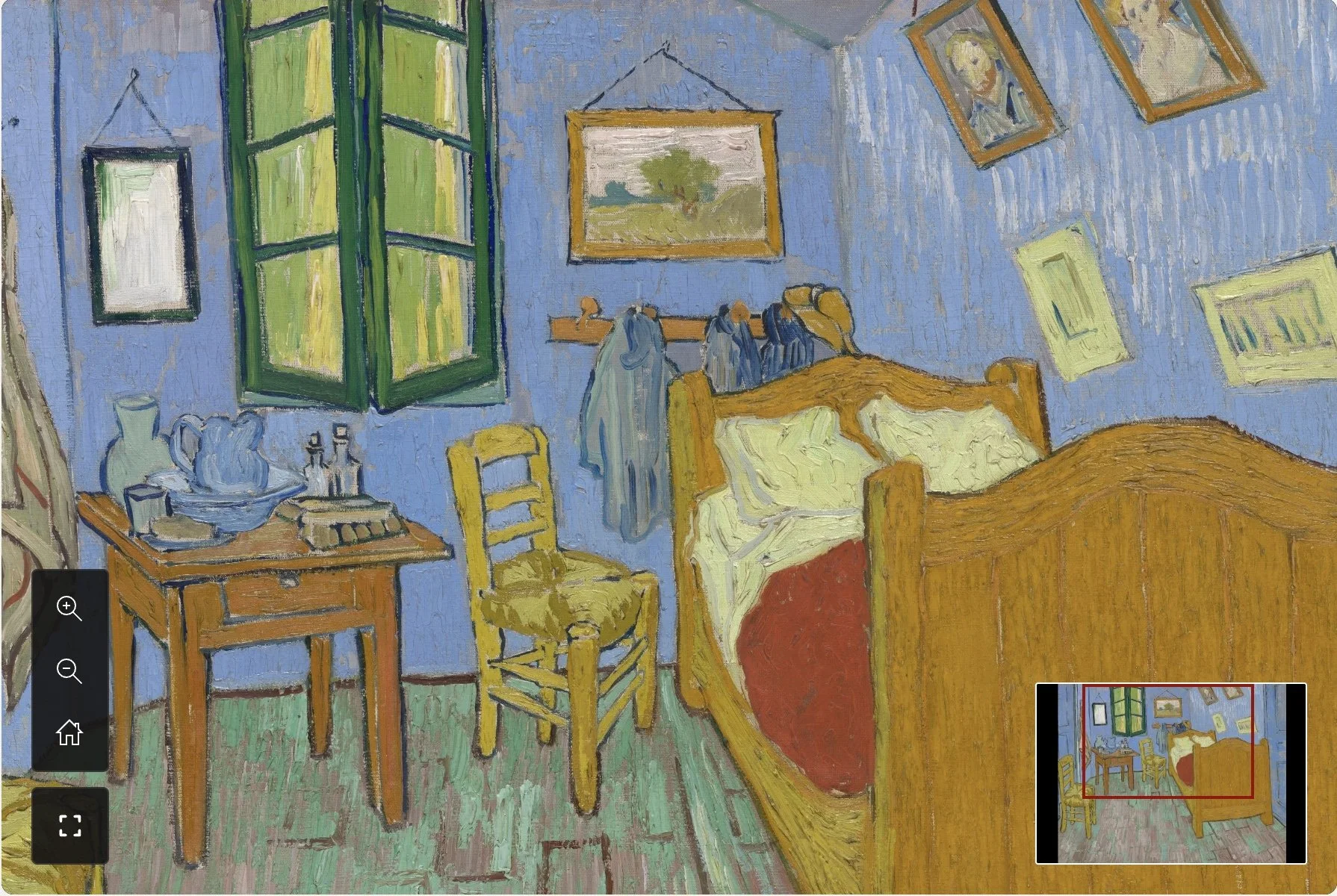
De Van Gogh La Chambre: 8,211 × 6,501 pixels (~300MB) into 154 768px-tiles
However, these massive edge-case examples should be treated as the maximum threshold of technical support. In everyday reality, to keep mobile devices fast and snap-responsive over standard mobile data networks, you should design your tile generation to target roughly 80 to 120 total tiles per image layout.